Create Document Type Names
Users can define the type of documents they are uploading for a reservation or group booking and select the same while uploading.
Perform the following steps to create document type names:
Navigate to Settings ➜ All Settings ➜ General ➜ Property, buildings & outlets ➜ Document.
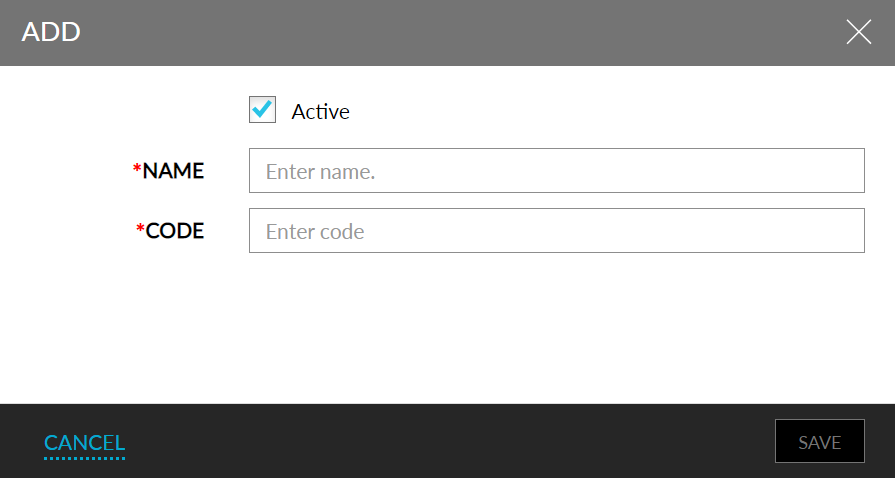
Click Add.
Enter the name and code in the Add pop-up screen.
Click Save to create the document type name.
Activate and deactivate the names using the Active field.