Map a Consent Policy
The Consent Policy tab allows users to enable a guest consent policy so guest data can be anonymized accordingly must be first made applicable to a property.
Perform the following steps apply a guest consent policy for a property:
Navigate to Settings ➜ All Settings ➜ Data Retention Management (under General). The data retention management page is displayed.
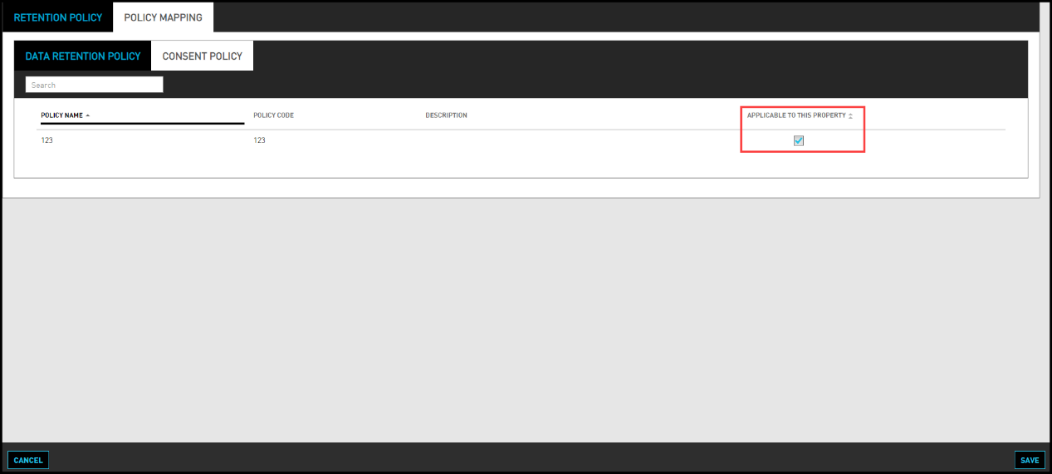
Navigate to Consent Policy in the Policy Mapping tab to apply a guest consent policy for a property.
View all the policies listed under Policy Name field and enable the Applicable to This Property checkbox for all selected policy names.
Only the consent policies for which the Applicable to This Property checkbox is enabled are applied to anonymize the guest data in the logged in property. The policies for which the checkbox is not enabled are not applicable to that property.
Click Save. The selected guest consent policies are applied to the property.