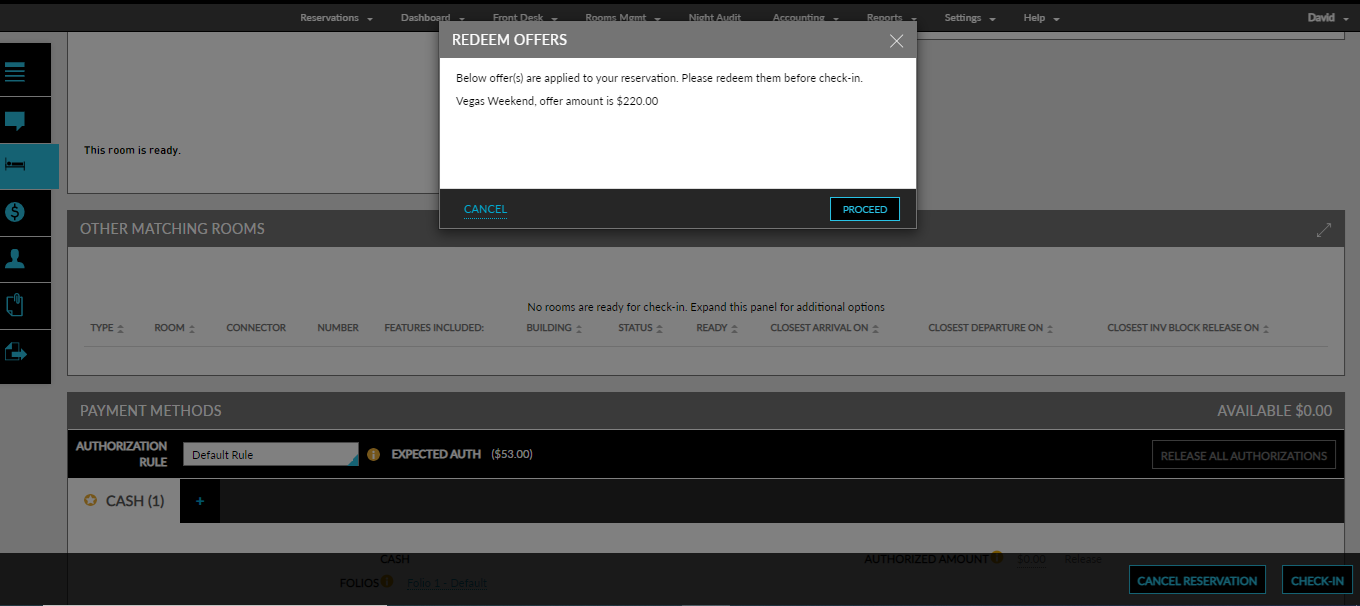
Offers Redemption
Comp and admin offers can be applied when booking a reservation. Perform the following steps:
Navigate to Reservations ➜ Book a Reservation.
Enter the reservation-related information.
Enter the CMS Player ID in the Card ID field.
Enter the offer code if available in the Offer field.
Select Show all offers to display both comp and admin offers. If this option is not selected, only comp offers will be displayed.
Click Check Rates. The available rate plans or room types and the applicable offers are displayed.
The dollar icon next to the offers is available only for CMS comp offers and can be used to differentiate comp offers from admin offers.
Click an offer for the reservation dates to apply accordingly.
Click Book to proceed with the reservation.
The offers are redeemed during reservation check-in or checkout.
All the CMSs validate and redeem offers at check-in. Aristocrat’s Oasis 360 alone performs validation and redemption during checkout.