Pets
The Pets tab allows users to create new pet at the property.
Perform the following steps to create a new pet:
Navigate to Settings ➜ All Settings ➜ Pets (under Back of House).
Click the Pets tab.
Click New Pet to add a new pet at the property. The Add Pet dialog box appears.
Enable the Active checkbox to activate the animal type in the property.
Enter the name of the animal in the Pet field.
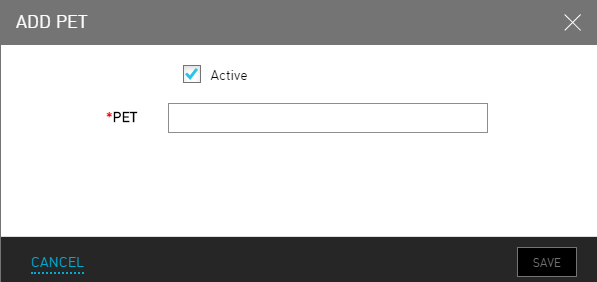
Click Save.
Perform the following to post specific charges towards specific pets:
Select the Animal.
Click Add A Charge.
To delete animals, click the Delete icon.