Rates
This menu allows the user to work on the following options:
-
Calendar - allows users to create a new calendar and add restrictions to it as required
-
Daily Rates - allows users to edit or modify rates for specific dates post selecting a rate calendar
-
Rate Plans - allows users to add new rate plans, set base rate, assign seasons, and add room types to the rate plan created
-
Packages - allows users to add details, policy, defaults, schedule, components, and season to the package and assign them to a room type
-
Upgrades - allows users to define which room types are available for upgrade and the associated upgrade fee
-
Yielding - allows users to add a new ruleset and set the rules
-
Allocations - allows users to group rate plans and packages to create a rate allocation group
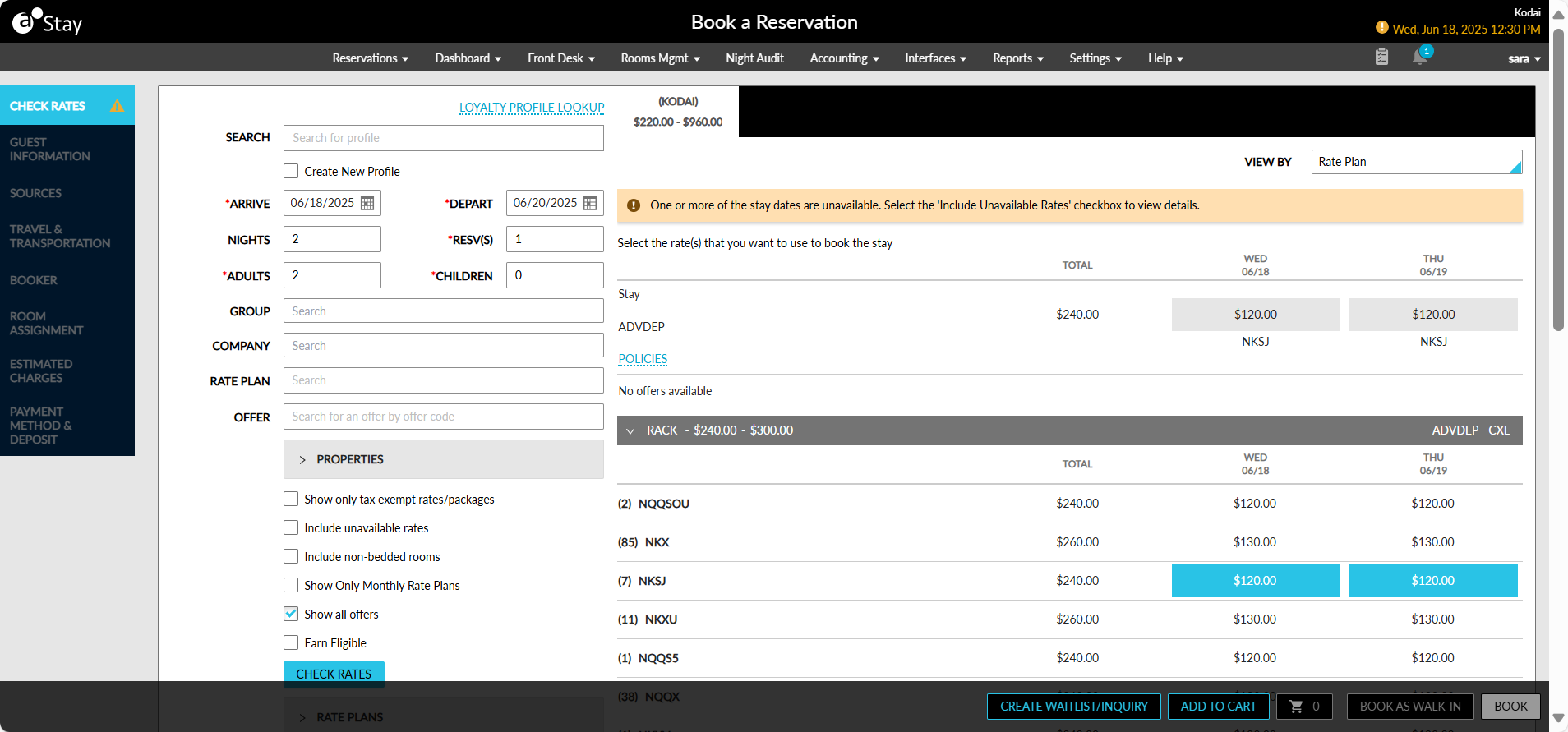
When a guest service agent books a reservation, they select the desired date range, check for available rooms and their associated rates. In the below given example, the BAR rate plan is available for the selected date range at the fictional Casillas Inn. The different types of room associated with the BAR rate plan are displayed, and the daily rates for each room are available at a glance. It makes it easy for the guest service agent to check rates and book rooms quickly.
The available rates are based on the room rate structure defined for the property, which ties together several components. Before setting up rates, think about how each component applies to the property:
|
Field |
Description |
|---|---|
|
Rate Strategies |
How are we selling rooms at our property? |
|
Rate Plans |
To whom are we selling? |
|
Rate Inventory |
What are we selling? |
|
Rate Calendar |
When do we make certain rooms and rates available to sell? |