Roles
The Roles option allows users to add all the various roles associated to housekeeping services.
Perform the following steps to create a new role:
Navigate to Settings ➜ All Settings ➜ Housekeeping (under Back of House).
Click Roles tab or scroll down the page.
Click Add New. The New Role dialog box appears.
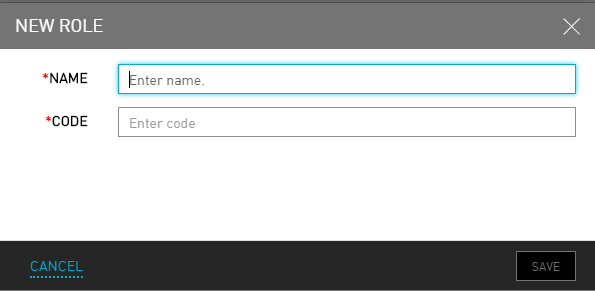
Enter the name for the role in the Name field.
Enter a relevant code for the role in the Code field.
Click Save. The new role is created successfully.