SMS Defaults
Users can configure default SMS settings on this screen. The feature setting named SMS Defaults must be enabled. Perform the following steps to set the default settings:
Navigate to Settings ➜ All Settings ➜ Templates ➜ SMS Notifications. The SMS Defaults tab appears.
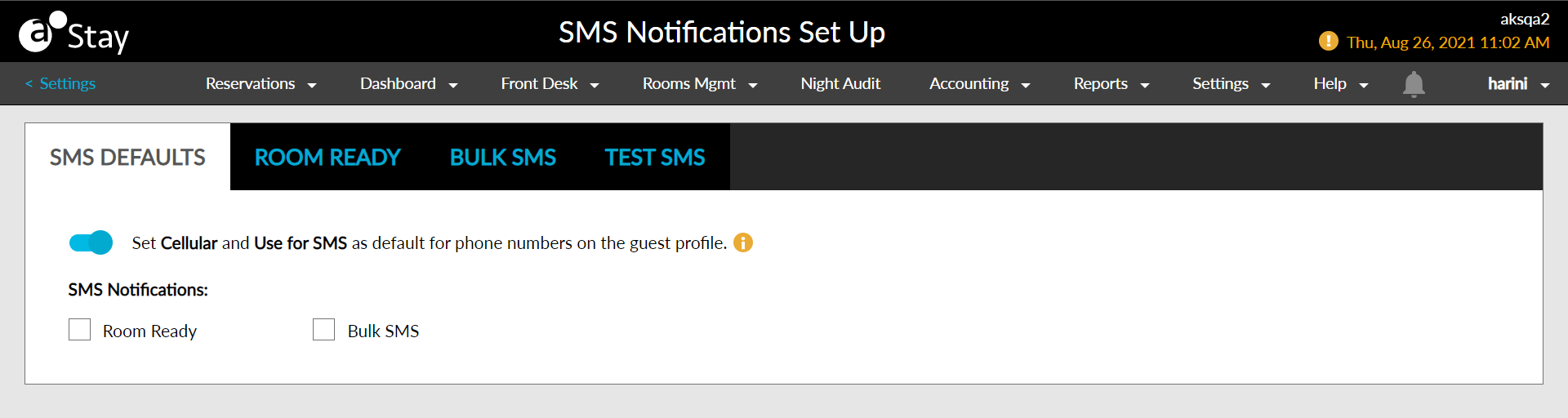
Enable the SMS option and set cellular as the default type for all reservations.
Enable the preferred options for sending SMS for room-ready notifications, web check-in, web check out, and bulk usage.
Click Save to confirm the settings.