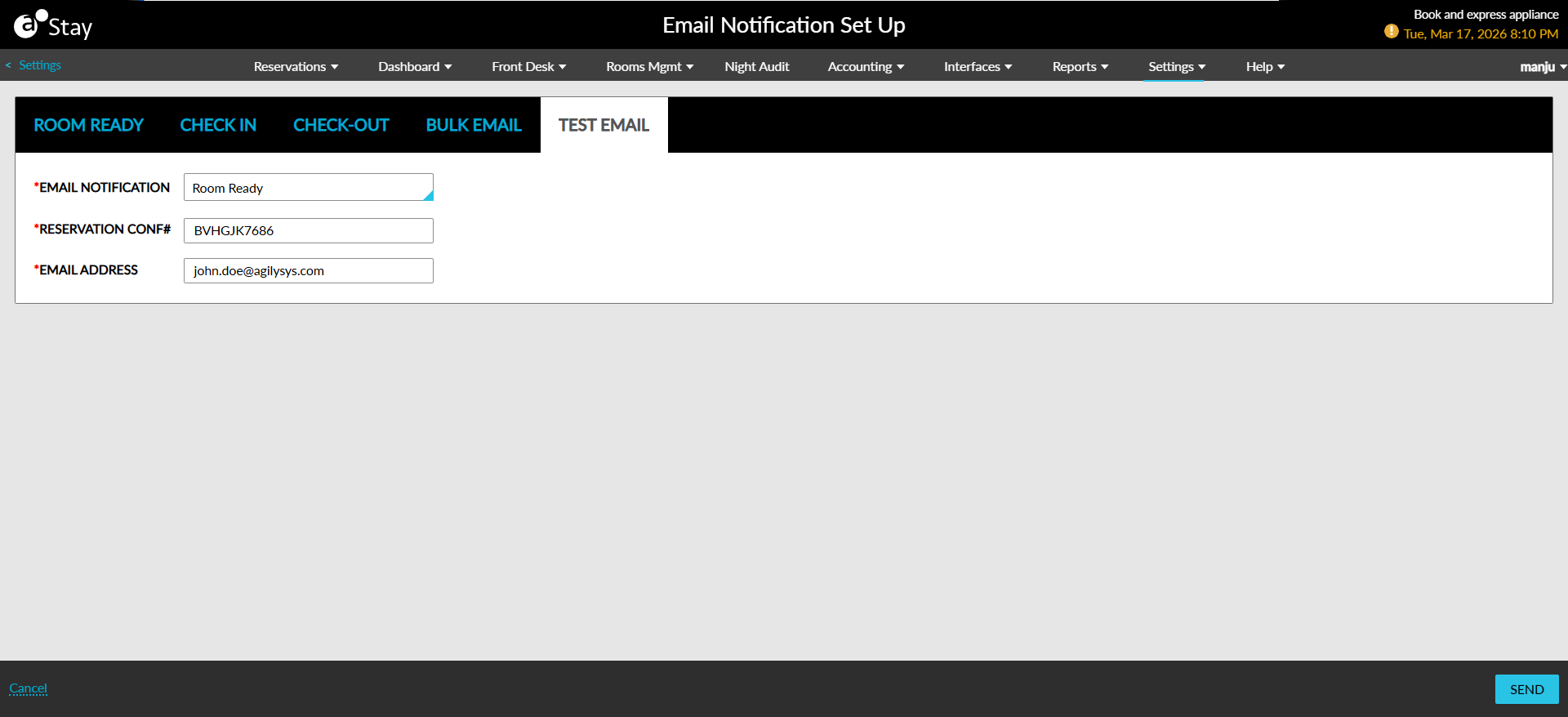
Test Email Configurations
The Test Email tab allows users to validate the e-mail notification configurations before sending them to guests.
The following fields are displayed in this tab:
|
Field |
Description |
|---|---|
|
Email Notification |
This is a mandatory single-select drop-down list that allows users to select from the following options for sending emails:
|
|
Reservation Conf# |
This is a mandatory field that allows users to enter the confirmation number of reservations. |
|
Email Address |
This is a mandatory field that allows users to enter the email address to which the emails must be sent. |