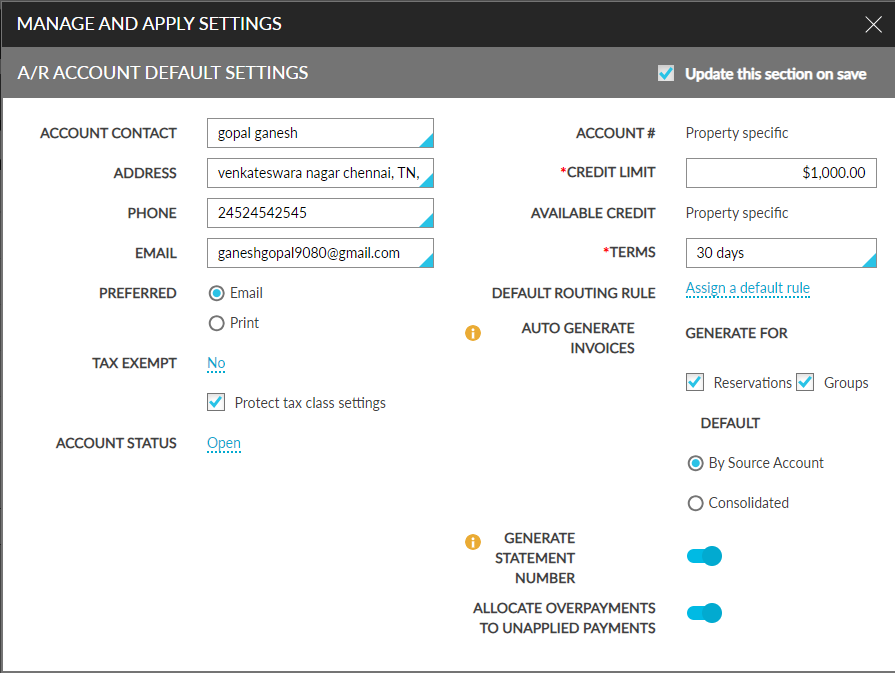
A/R Account Default Settings
Users can configure the default settings for the A/R account to be displayed in all properties under the tenant from the A/R Account Default Settings screen (A/R account ➜ All Properties ➜ Settings). The values configured in this screen are displayed as the default values for that A/R account in the Account Receivable tab in all properties under the tenant. However, users can modify the configured values in the Account Receivable tab of each property if required.