Add a New Folio
The user can add as many folios as the guest’s desire. Separate folios for each sort of transaction category makes it easy for guests to keep track of their transactions. A corporate executive staying at the fictional Castle Inn, for example, may like to have his food transactions reported on a separate bill from everything else.
To add a new folio, perform the below outlined steps:
Navigate to and click on the More button.
The Add a New Folio pop-up appears.
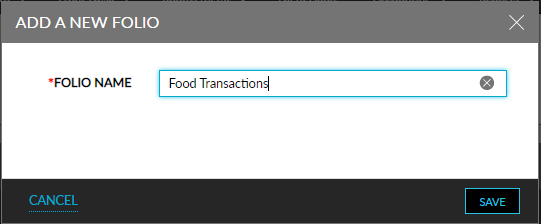
Enter the new folio name and click on Save.