Alerts Displayed for Multiple Concurrent Users
When a screen is accessed concurrently by multiple users, the alert is displayed as a banner in the following format in the mentioned screens:
|
Screen |
Message Displayed |
|---|---|
|
Reservations |
Multiple users are accessing this reservation. Click here to view details. |
|
Guest profiles |
Multiple users are accessing this guest profile. Click here to view details. |
|
Company profiles |
Multiple users are accessing this company profile. Click here to view details. |
|
Group masters |
Multiple users are accessing this group master. Click here to view details. |
|
Travel agent profiles |
Multiple users are accessing this travel agent profile. Click here to view details. |
|
A/R accounts |
Multiple users are accessing this account receivable. Click here to view details. |
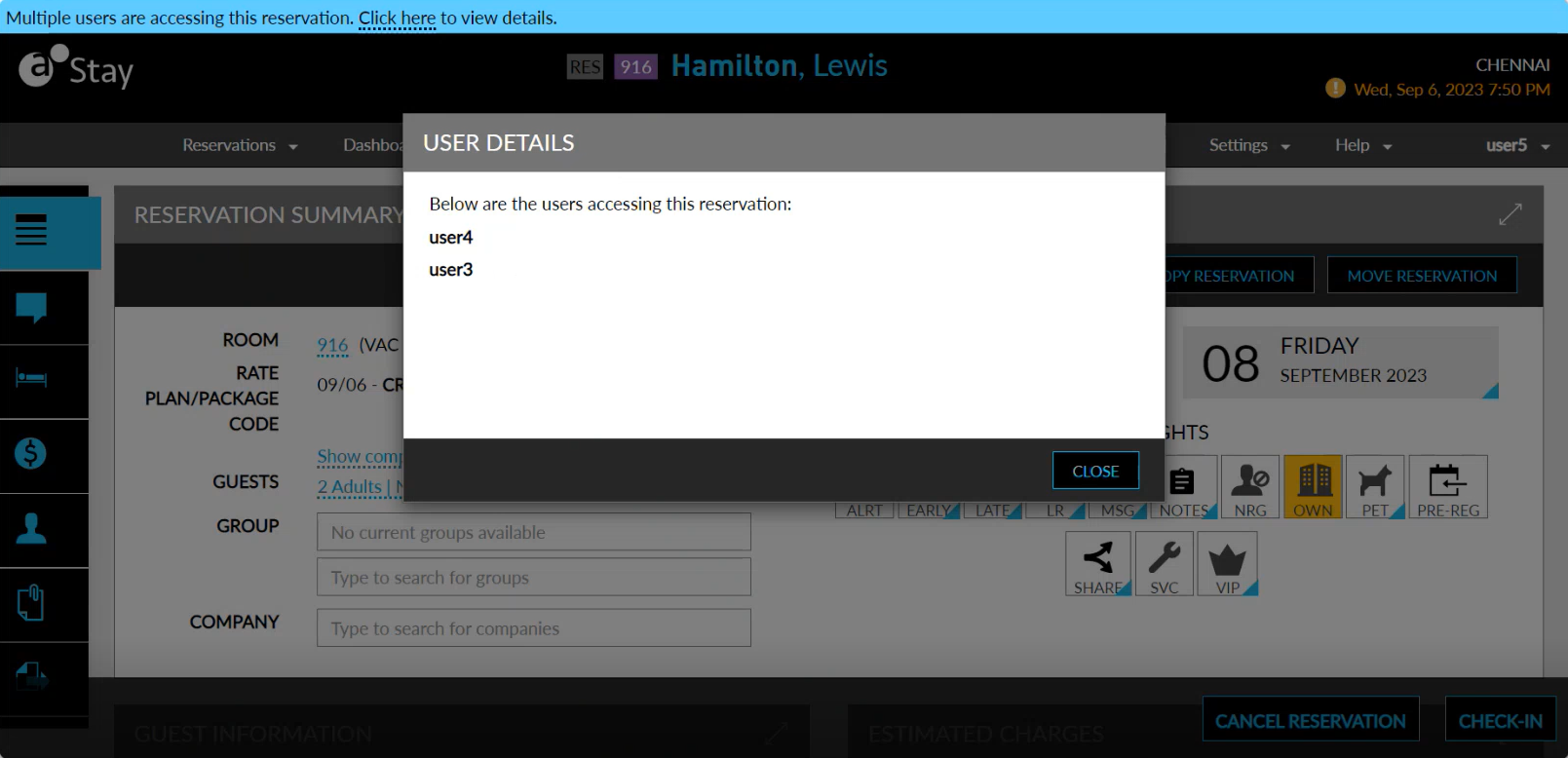
When users click the Click here hyperlink, the User Details pop-up screen appears that displays the usernames of the users accessing the screen concurrently. This hyperlink will be displayed only when more than 3 users access a screen concurrently. The alert will continue to be displayed after the User Details pop-up screen is closed.
The alert cannot be dismissed. When a concurrent user moves out of the screen, the alert will no longer be displayed in the case of a single concurrent user, or the username of the user will be removed from the alert in the case of multiple concurrent users. The alert will be displayed and removed as and when a concurrent user accesses and moves out of the screen.
The alerts are continued to be displayed on the screens until the date roll. After the date roll is completed, users must manually refresh the screens to view the details of the concurrent users. The alert is also displayed when a reservation, profile, or A/R account is accessed concurrently in a different property under the tenant.