Archiving a Profile
The Archive option allows users to archive the selected profile. Active profiles (profiles that are in use due to a current reservation, group, or other activity) cannot be archived. An archived file is one that is hidden, yet still accessible from the API. Archived profiles do not include single-use or merged profiles.
These profiles will not appear in the search queries unless archived is selected. If the user does not have appropriate permissions to archive a profile, the link appears hidden. The user can also un-archive a profile by changing the status to active.
Perform the following steps to archive a profile:
Navigate to Reservations ➜ Profiles. The Profiles tab is displayed.
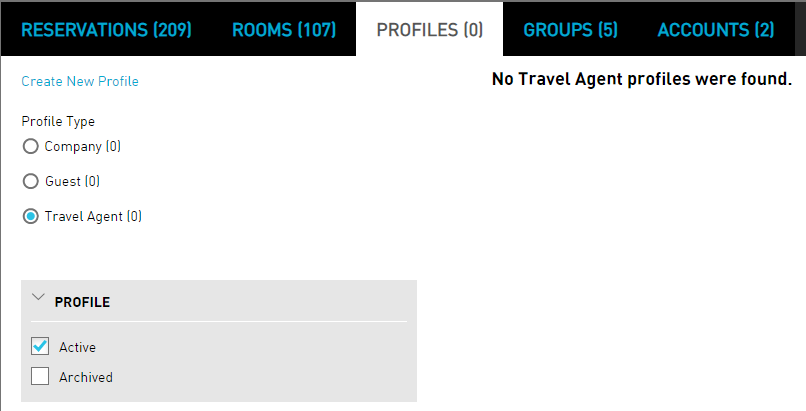
Enter the name of the guest, company, or travel agent in the Search field.
Click Go. The profiles are displayed based on the entered details.
Click the Profile Active link.
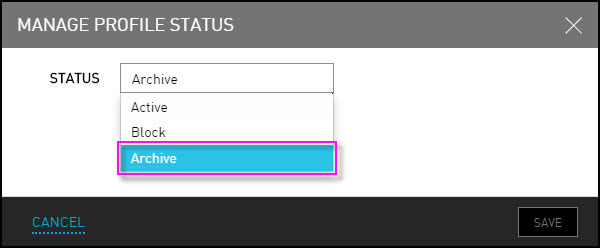
Click Archive to hide and store the profile
Click Save to complete the profile archive.
Once the profile has been successfully archived, the bankers box icon appears and the Status changes to Archived. Archived profiles will continue to appear in searches but will be clearly indicated with a file box as archived.