Configure Grades for Rooms
Users can configure grades for the rooms in the Grade field displayed in the General section of the Add/Edit screen that appears when users add/edit rooms from the Property Configuration tab of the Rooms Setup screen (All Settings ➜ General ➜ Rooms & Room Types ➜ Property Configuration). Users can configure the same grade to multiple rooms.
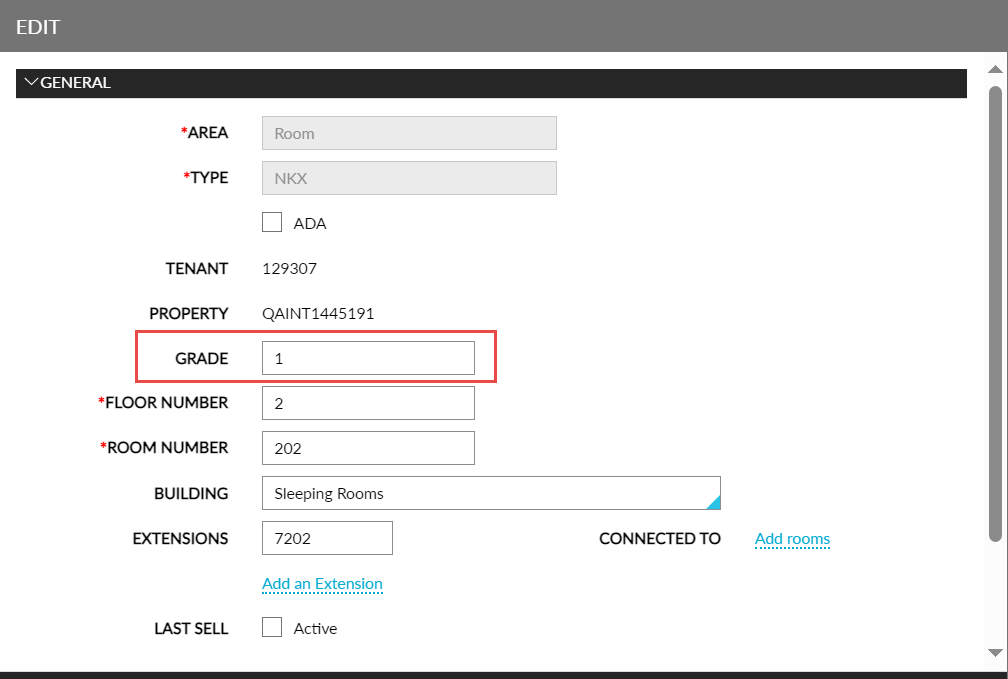
Once grades are configured, the rooms are sorted from highest to lowest grade in the ascending order of priority. Within each grade, the Owner RevPar values are compared, and the room with the lowest Owner RevPar value will be assigned to the next reservation as a priority. When a grade is not configured for the rooms, the room assignment of those rooms will default to Rack Order.