Linking a Reservation
Users can link two reservations together if the guest so desires. Reservations will mostly be connected to reflect the guest's preferred room location. Multiple preferences can be added by users. David and Mathew, for example, who are vacationing with their families, would prefer to have their rooms close to one other. In such cases, the user can link both reservations to specify the guests’ preferred room location.
To link a reservation:
Navigate to Reservation Summary ➜ Link Reservations.
Click on the LR button and the Linked Reservations pop-up box appears.
Click on the Add button to link the guest’s desired reservation.
Enter the reason for linking the reservations in the Reason for Linking field.

Click Next.
Select the preference from the list of options available in the dropdown menu.
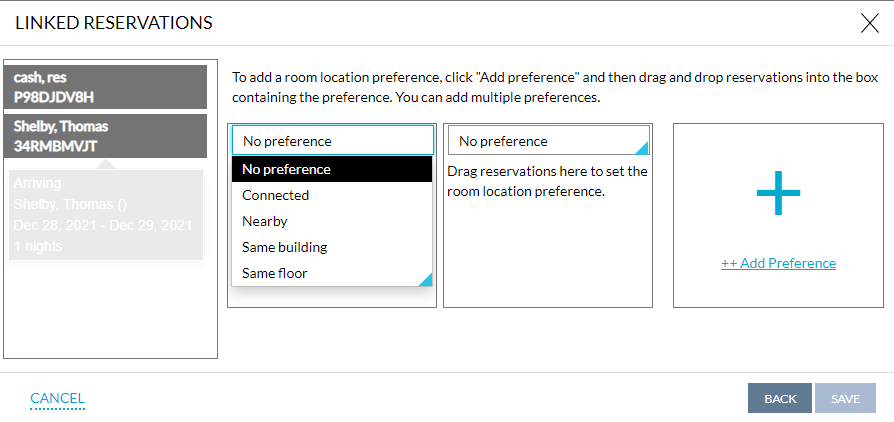
Click Save. The reservations will now be linked.