Updating a Profile
This option allows users to change the details about the guests, companies, or travel agents. The user can update details of the guests, companies, or travel agents at any time. Perform the following steps to update a profile:
Navigate to Reservations ➜ Profiles. The Profiles tab is displayed.
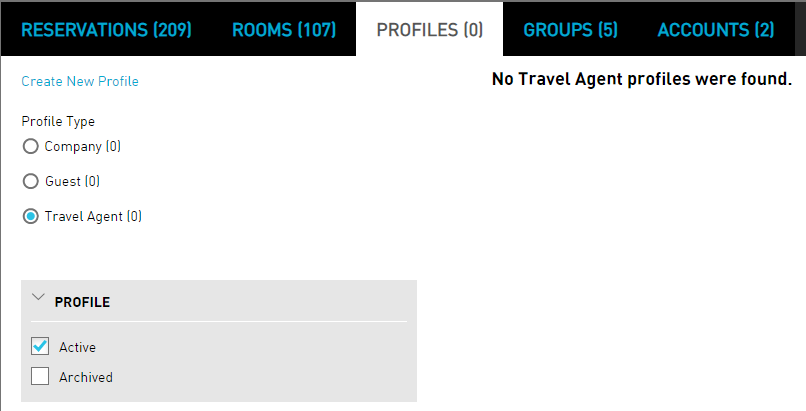
Enter the name of the guest, company, or travel agent in the Search field.
Click Go. The profiles are displayed based on the entered details.
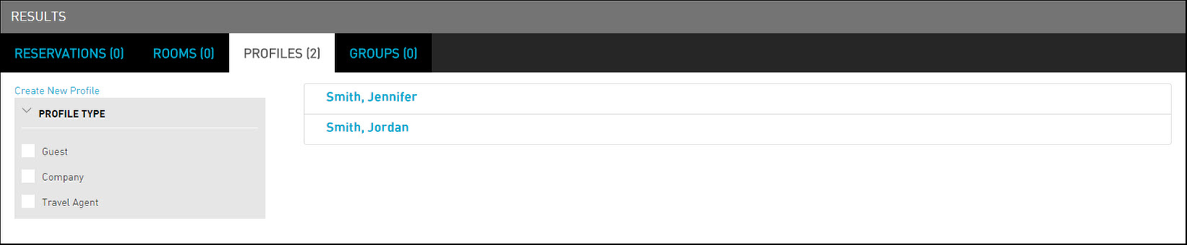
Update the profile, as required.
Click Save. The profile is updated successfully.