View Last Logged-In Date and Time
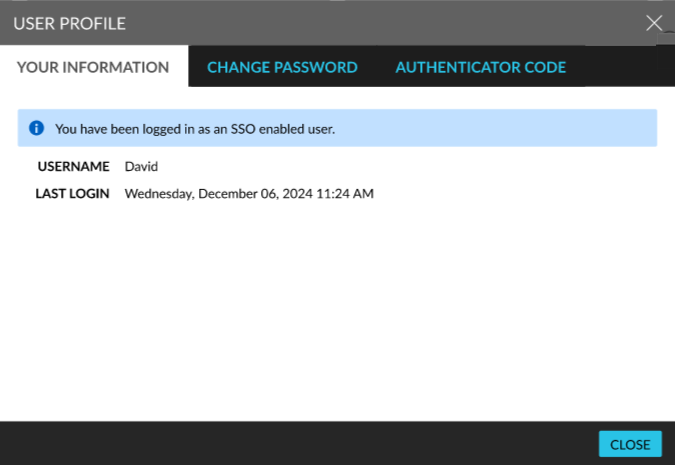
Users can view the date and time of their last login in the User Profile screen that appears when users click on their username and select the Edit Profile option from the menu displayed. When the SSO login method is enabled for the user, the following information message is displayed on the screen: You have been logged in as an SSO enabled user.
The date and time of the last login is displayed in the following format: Day, Month, DD, YYYY Time (12 hours).