Enhancements to Staff Mobility-Housekeeping
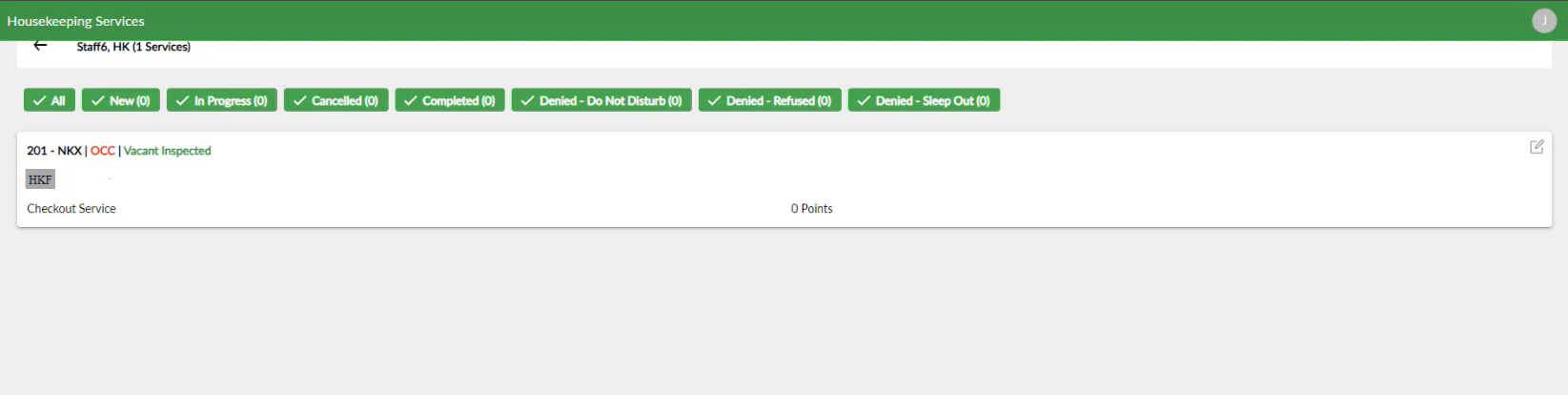
The Housekeeping module in Staff Mobility-Housekeeping is enhanced to allow users to modify the housekeeping condition of the rooms assigned to the service requests in the Staff and Rooms tabs in the Assigned section of the Housekeeping Services screen.
When users click on the housekeeping condition displayed for a room assigned to a request in the Staff and the Rooms tab, the HK Conditions pop-up screen appears that displays the following fields:
|
Field |
Description |
|---|---|
|
Room Number |
The room number of the room assigned to the request. |
|
Room Type |
The room type of the room assigned to the request. |
|
Building |
The building in which the room is located. |
|
Housekeeping Condition |
|
|
Inventory Status |
|
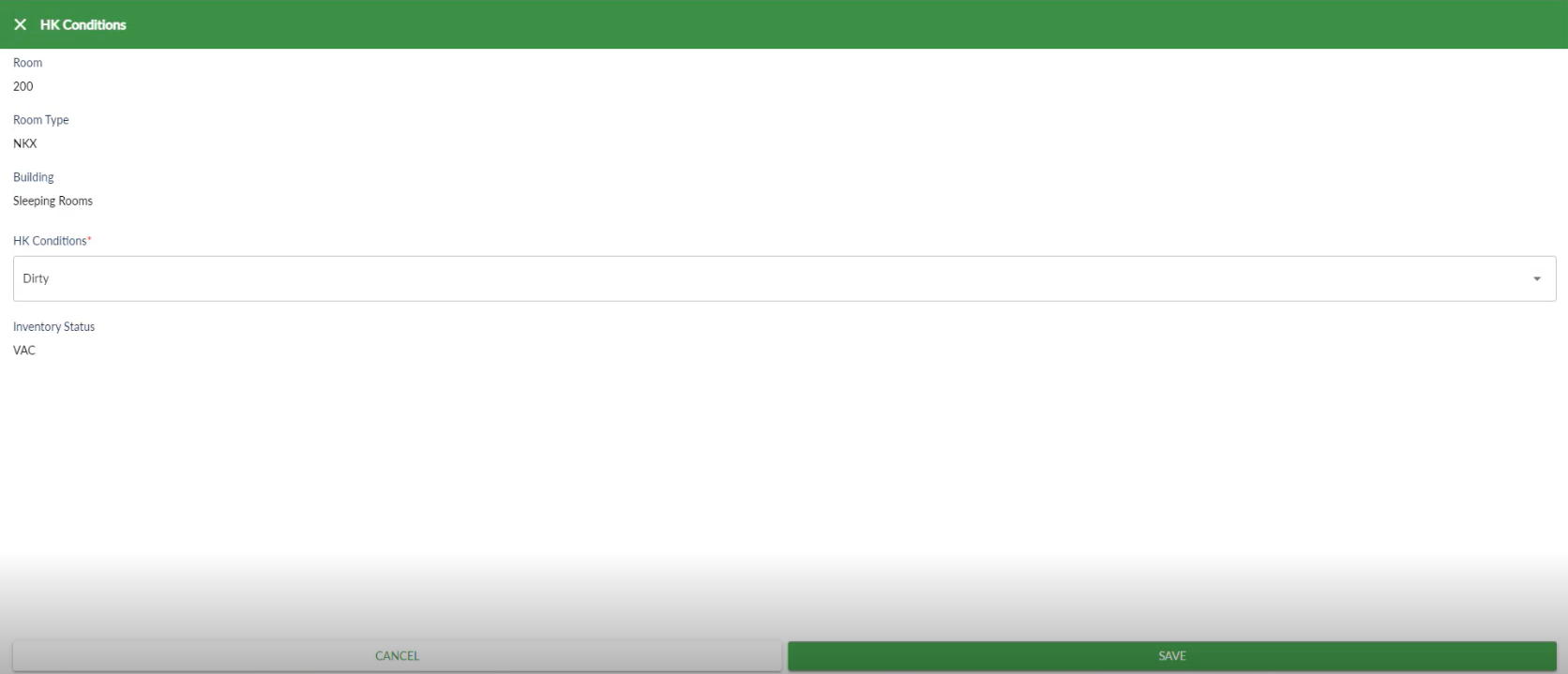
When users click Save, the selected housekeeping condition will be updated for the room in the following areas:
-
The Housekeeping screen in Stay (Rooms Mgmt ➜ Housekeeping)
-
The Housekeeping Condition section of the Housekeeping screen in Stay (Rooms Mgmt ➜ Housekeeping ➜ HK Condition).
-
The Edit Service pop-up screen in the Housekeeping module of Staff Mobility-Housekeeping when accessed by users to modify the request after the housekeeping condition for the room is updated.
When users update the housekeeping condition of a room and if the updated condition is discrepant with respect to the room’s inventory status, the inventory status is highlighted in red in the Housekeeping Services screen in Staff Mobility and in the Housekeeping Condition section of the Housekeeping screen in Stay.