Modifications to Creation of Housekeeping Service Requests
The Housekeeping menu in Stay is enhanced to notify users when a new service request is created for a room and if the condition of the room matches the Closes on Condition conditions of the service requests being created. Users will also be able to update the housekeeping condition for the room. To support this, a new confirmation screen is displayed to users before creating the service request.
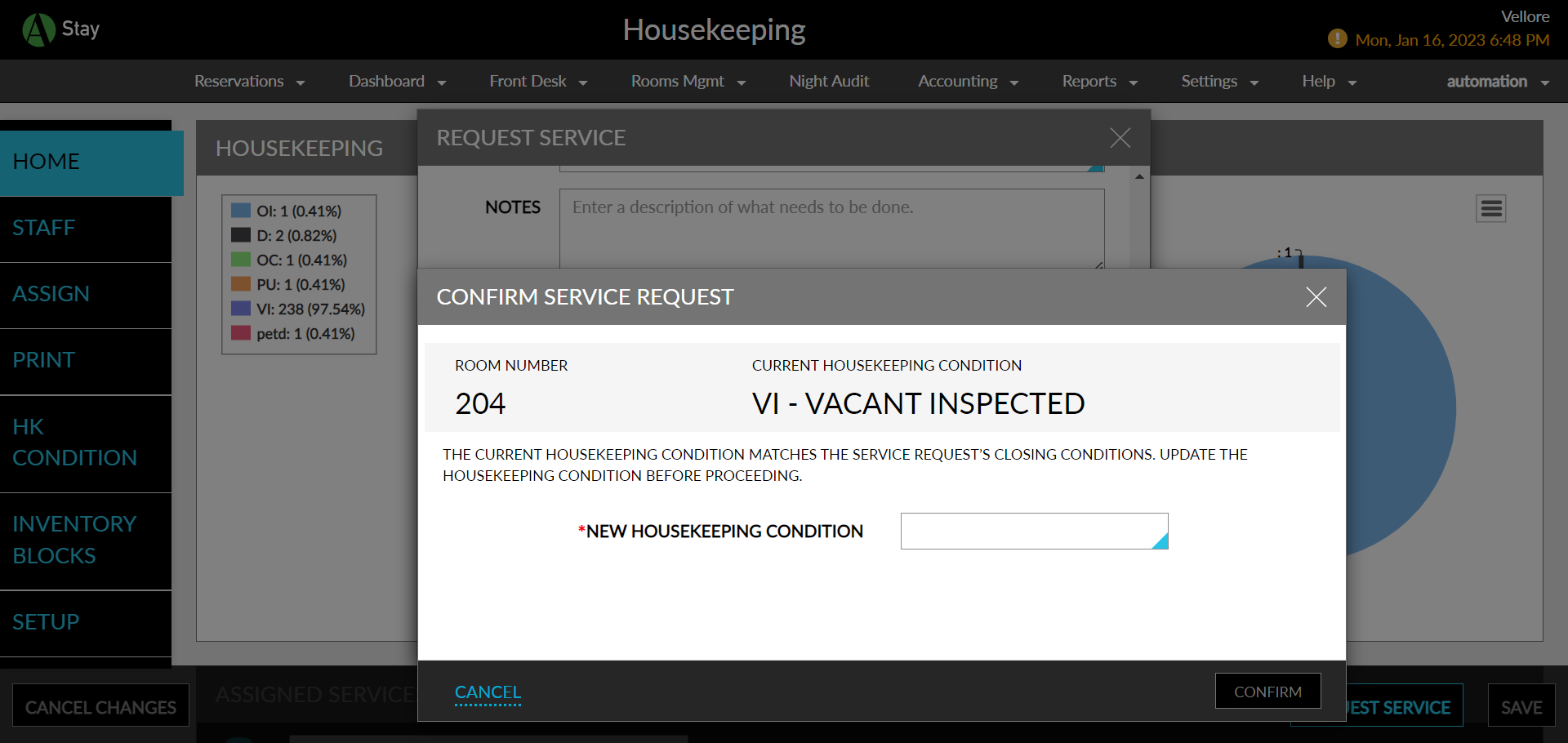
When creating a new housekeeping service request, users are displayed an informational message and are then required to select the new housekeeping condition from the dropdown before confirming the service request.
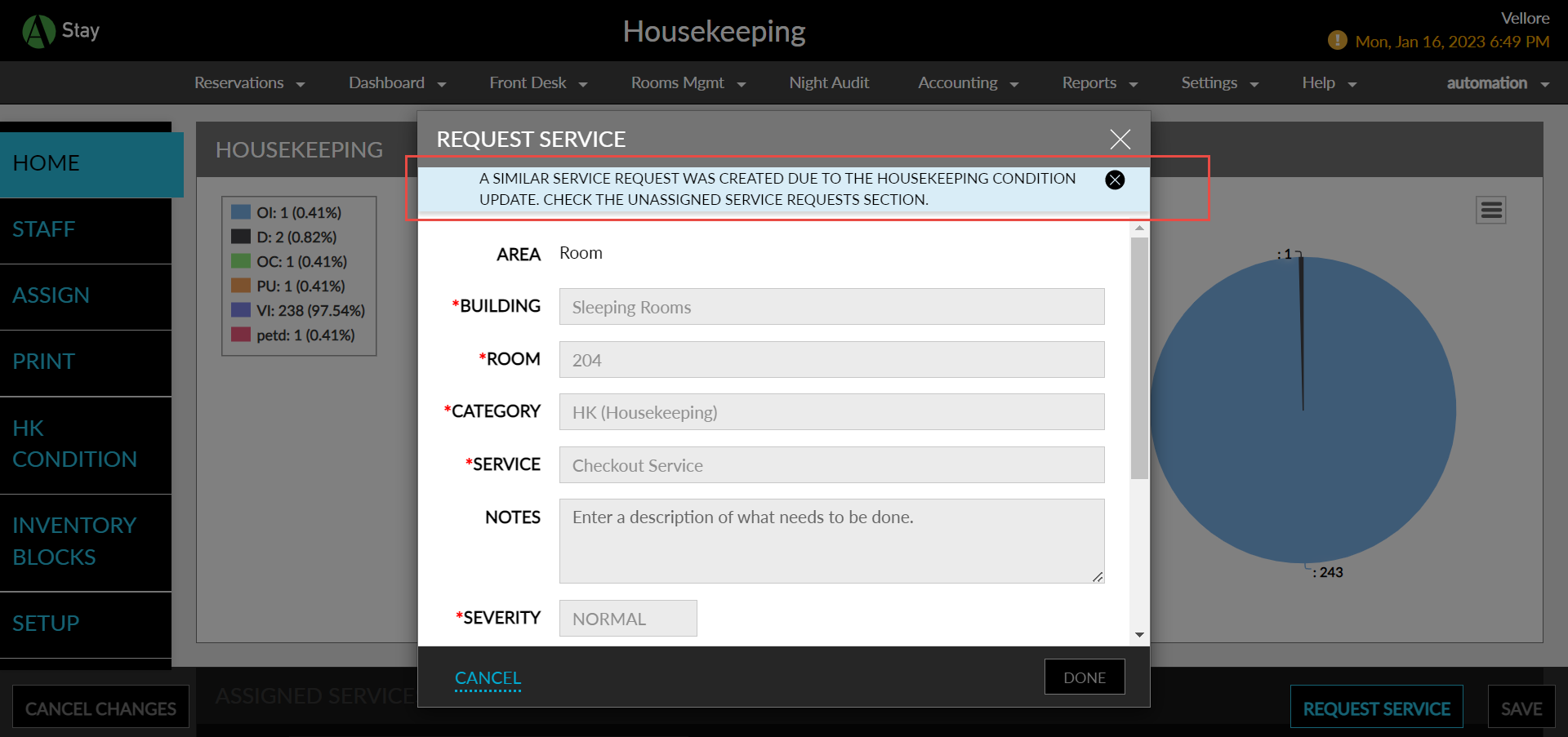
After creating the service request, if the same service request is going to be created at the due to the housekeeping condition change the Request Service screen is displayed with the following message: A similar service request was created due to the housekeeping condition update. Check the Unassigned Service Requests section.
The fields in the request service screen are disabled and user the user must close and reopen the screen again to create another service requests (if required).