Modifications to Guest Self Service Log-In Page
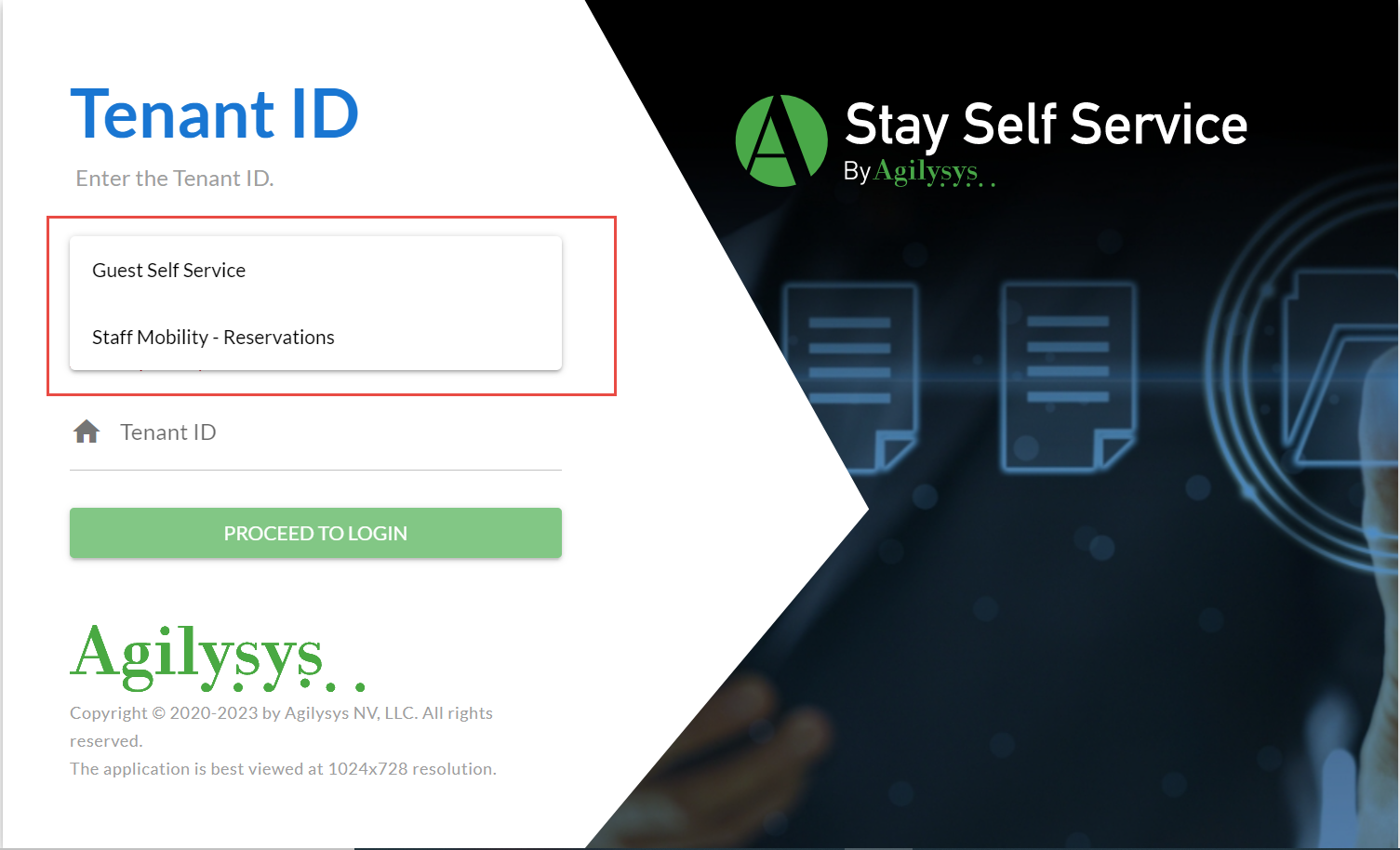
The log-in page of Guest Self Service is enhanced to display a new drop-down called Log Into that allows users to select one of the following options:
-
Guest Self Service
-
Staff Mobility - Reservations
Once the user selects an option, the Proceed To Login button is enabled and users are redirected to the respective page.
Staff Mobility - Reservations is meant for hotel staff and is intended to assist guests away from the front desk on a tablet. The new Search screen exposes the personal information of guests and must be strictly used by hotel staff only.