Stay UI Enhancements
For better user experience, the following changes have been made to the Stay UI:
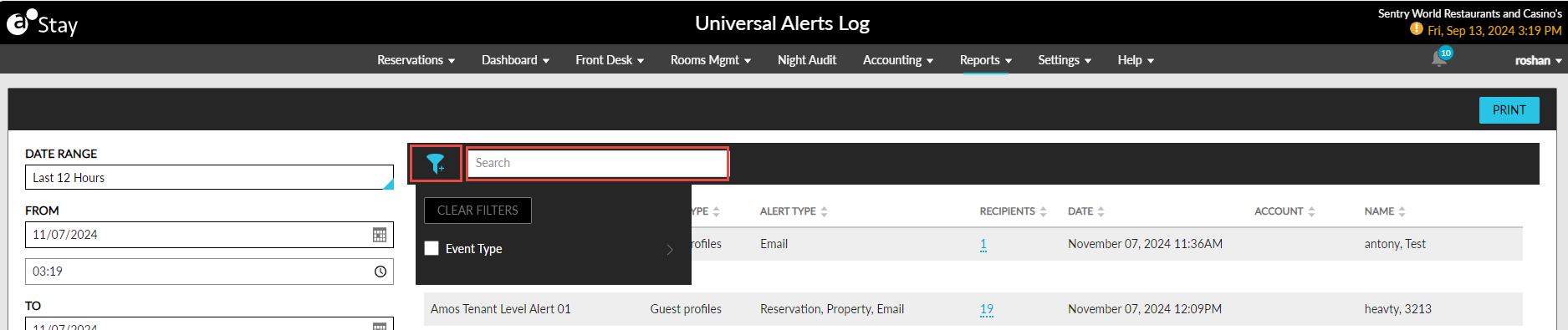
Universal Alerts Log screen (Reports ➜ Universal Alerts Log):
-
The look and feel of the screen has been enhanced.
-
A Search field has been added that allows users to search records using the event name, event type, alert type, recipients, date, account, and name values.
-
A filter icon has been added that allows users to filter records based on the event type.
Pantry Setup Screen
-
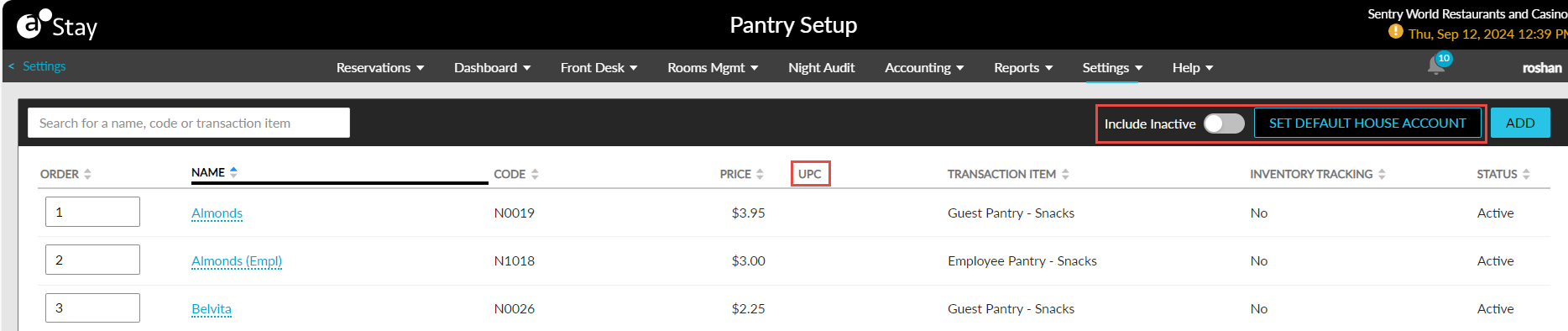
The Show Inactive checkbox has been renamed as Include Inactive and modified from a checkbox to a flag.
-
The Set Default House Account hyperlink has been modified as a button.
-
The PLU column has been renamed as UPC.
-
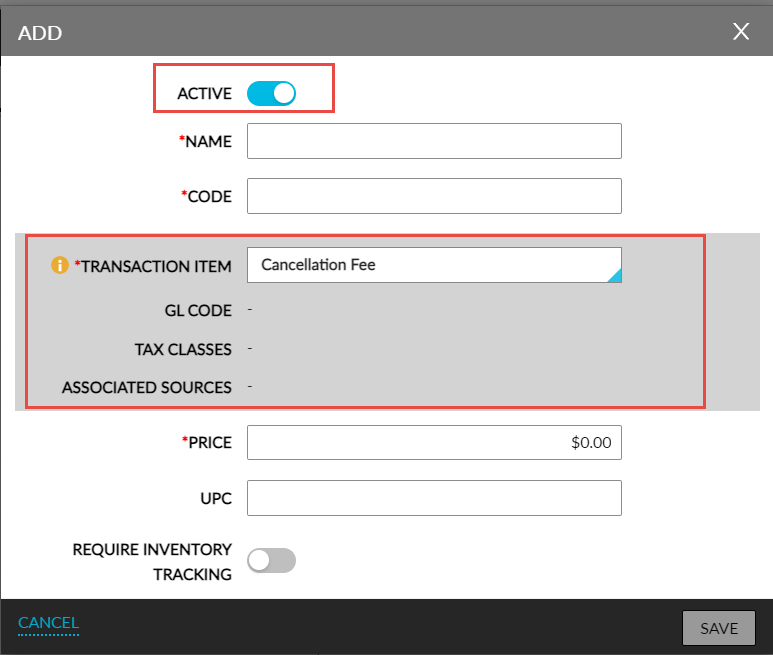
The layout of the GL Code, Tax Classes, and Associated Sources fields that appear when users select a transaction item in the Add pop-up screen has been modified.
-
The Active checkbox in the Add pop-up screen has been modified as a flag.
Pantry Screen (Front Desk ➜ Pantry)
-
The layout and alignment of the columns in the Cart Summary section in the Pantry tab of the Pantry screen has been modified.
-
The On Hand field in the Dashboard tab will be highlighted in red when users do not enter a value in this field.
-
When users enter a value in this field and click Save, the message, Saved successfully, will be displayed as a banner.
-