Player ID Removal from Guest Profile and Reservation
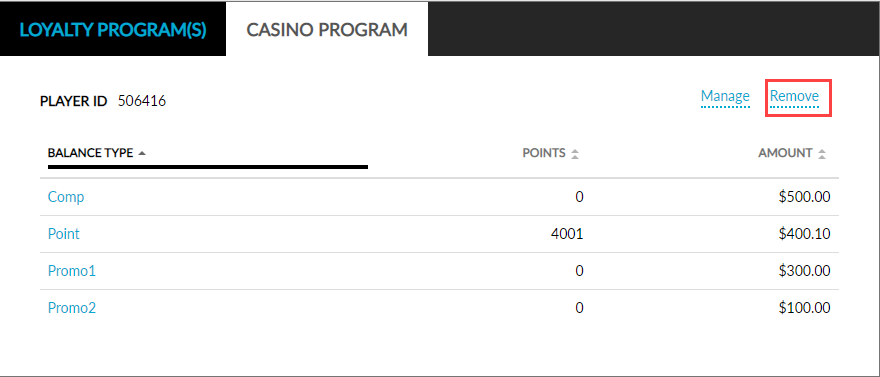
The Remove link in the Casino Program tab in the Loyalty section of the Profile screen and the Reservation Summary section of the Reservation screen allows users to remove the associated CMS Player ID.
Profile
Perform the following steps to remove the player ID from an existing profile:
Navigate to Reservations ➜ Profiles.
Enter the player ID in the Search field to find the associated guest profile.
Click the Casino Program tab in the Loyalty section.
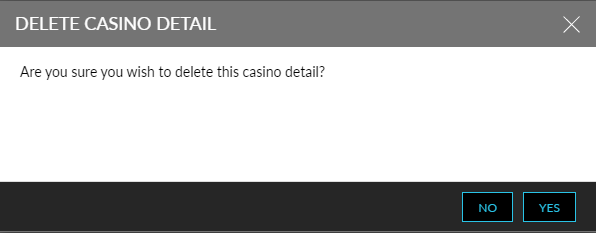
Click the Remove link to open the Delete Casino Detail pop-up screen.
Click Yes to remove the associated Player ID from the guest profile.
Reservation
Perform the following steps to remove the player ID from a reservation:
Navigate to Reservations ➜ Search.
Search for the reservation in the Search field.
Click Go.
Select the reservation. The Reservation screen is displayed.
Click the Casino Program tab in the Reservation Summary section.
Click the Remove link to open the Delete Casino Detail pop-up screen.
Click Yes to remove the associated Player ID from the guest profile.